Block Reddit while working
How to block Reddit while working on your computer
Free forever for 5 sites · or try Pro free for 14 days
The short answer
To block Reddit while working, add it to a desktop blocker that enforces below the browser, and make ending the block early cost more than the impulse. Talysman can block reddit.com outright, or hide just the front page, subreddit feeds and recommendations while keeping posts you open from search — and ending a session early needs a paired USB key plugged in.
It works on Windows, macOS and Linux, with extensions for Chrome and Firefox.
What happens when you reach for it
- Muscle memory
Ctrl+T, “r”, Enter. The front page loads with no posts on it.
- The workaround
You try the Reddit app, or another browser. Blocking runs below the browser, and with Strict Mode on a browser without the extension is closed.
- The off switch
You open Talysman to end the session. “Insert your key to turn off the blocker.” The key is in your bag in the hall.
- Back to work
The impulse is gone before you'd reach the hall. You close the tab.
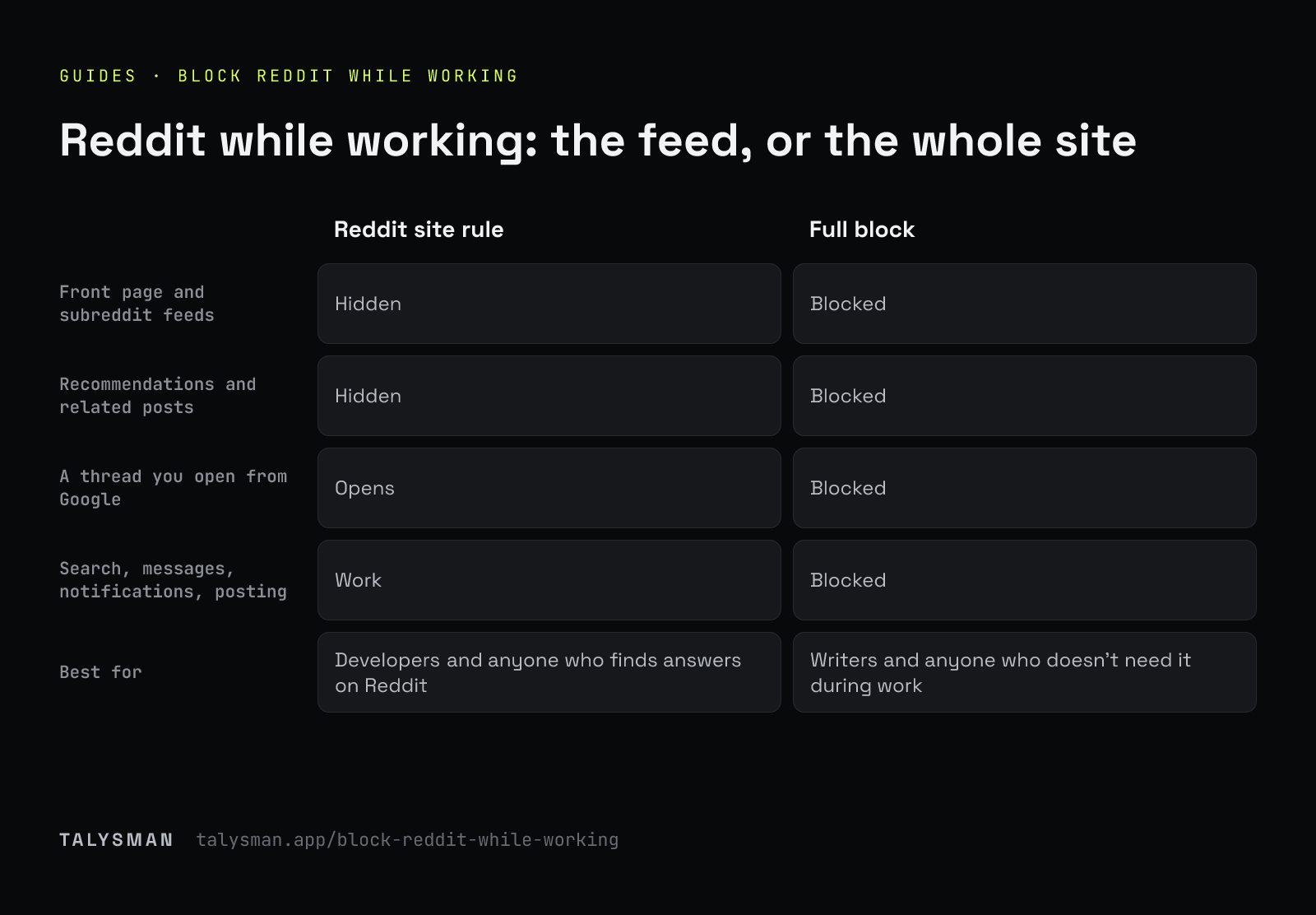
Block all of Reddit, or just the feed
| Reddit site rule | Full block | |
|---|---|---|
| Front page and subreddit feeds | Hidden | Blocked |
| Recommendations and related posts | Hidden | Blocked |
| User profiles | Hidden | Blocked |
| A thread you open from Google | Opens | Blocked |
| Search, messages, notifications, posting | Work | Blocked |
| Best for | Developers and anyone who finds answers on Reddit | Writers and anyone who doesn't need it during work |
Either one counts as one of the 5 free websites. Site rules need the Chrome or Firefox extension, so Strict Mode stays on while one is active.
Block Reddit in three steps
Install and pair any USB drive
Download Talysman, add the browser extension, and pair a drive you already own as the key.
Add Reddit
Pick the Reddit site rule to keep threads you search for, or block reddit.com entirely. It covers old.reddit.com and redd.it links too, not just one address.
Start a session and unplug the key
Put the drive somewhere that costs a walk. That's what turns “just checking” into a decision.
Frequently asked questions
Can I still read a Reddit thread I found on Google?
With the Reddit site rule, yes. Posts you open directly load; feeds don't.
What's the best focus software for a writer who keeps opening Reddit?
Block reddit.com outright during writing sessions and keep the key in another room. Writers rarely need Reddit mid-draft, so the full block is simpler. More in the writers page.
Does it block the Reddit desktop app or other browsers?
Network-level blocking covers every browser. Desktop apps can be blocked with Pro. With Strict Mode on, browsers without the extension are closed during focus.
Keep the answers, lose the feed
Pair a drive, add the Reddit rule, and leave the key somewhere inconvenient.
Start focusing freeFree forever, no card. Want schedules and app blocking? Try Pro free for 14 days.