For people who bypass blockers
The best website blocker if you keep turning your blocker off
Free forever for 5 sites · or try Pro free for 14 days
The short answer
If you keep turning your blocker off, the best blocker is one whose off switch isn't on the computer. Every blocker you've bypassed had the same flaw: the thing that ends the block was within arm's reach of the person who wanted to end it. A button, a password you chose, a timer, an uninstaller. At 2pm on a hard task, all of those are the same distance away — about five seconds.
Talysman moves the off switch onto a physical object. Ending a focus session early requires a paired USB drive plugged into the computer, and the drive is wherever you left it. Every workaround you already know — quitting the app, killing the service, rebooting, uninstalling, switching browsers — ends at the same place: go get the key, or go back to work.
Watch the bypass fail
Eleven seconds of a person not losing an afternoon.
- The urge
Forty minutes into something hard, you alt-tab without quite deciding to. Block page. So you open Talysman instead — this is the part where every other blocker loses.
- The click
End session. “Insert your key to turn off the blocker.” The key indicator is red.
- The math
The drive is in the kitchen, where you put it forty minutes ago while you were thinking clearly. Two rooms and a decision away.
- The result
You close the dialog and go back to the editor. The impulse cost eleven seconds instead of an hour.
And when you do go get it, that's fine. A choice made on your feet after a walk is a real choice. The goal was never to trap you — it was to stop the version of you that's five minutes deep in frustration from spending the afternoon on your behalf.
The five seconds that beat every blocker you've owned
Nobody sits down and decides to lose an afternoon. What happens is smaller than that. The task turns ambiguous, or boring, or slightly humiliating, and some part of you goes looking for an exit before the rest of you has agreed there is one. If an exit is one click away, you take it — and you notice you took it about ten minutes later, on YouTube, with no memory of deciding.
That's why more willpower doesn't fix it and stronger software locks mostly don't either. A password you know is a password you type. A timer is something you wait out with a second tab open. A random string to retype is a toll you'll pay once and then pay faster the next time. Each one is still a decision made at the keyboard, in the exact second you are least equipped to make it.
The only thing that reliably beats a five-second impulse is making the escape take longer than the impulse lasts. Not a wall — a walk.
Your usual move, and where it lands here
Be honest about which line is yours. Then check what it costs.
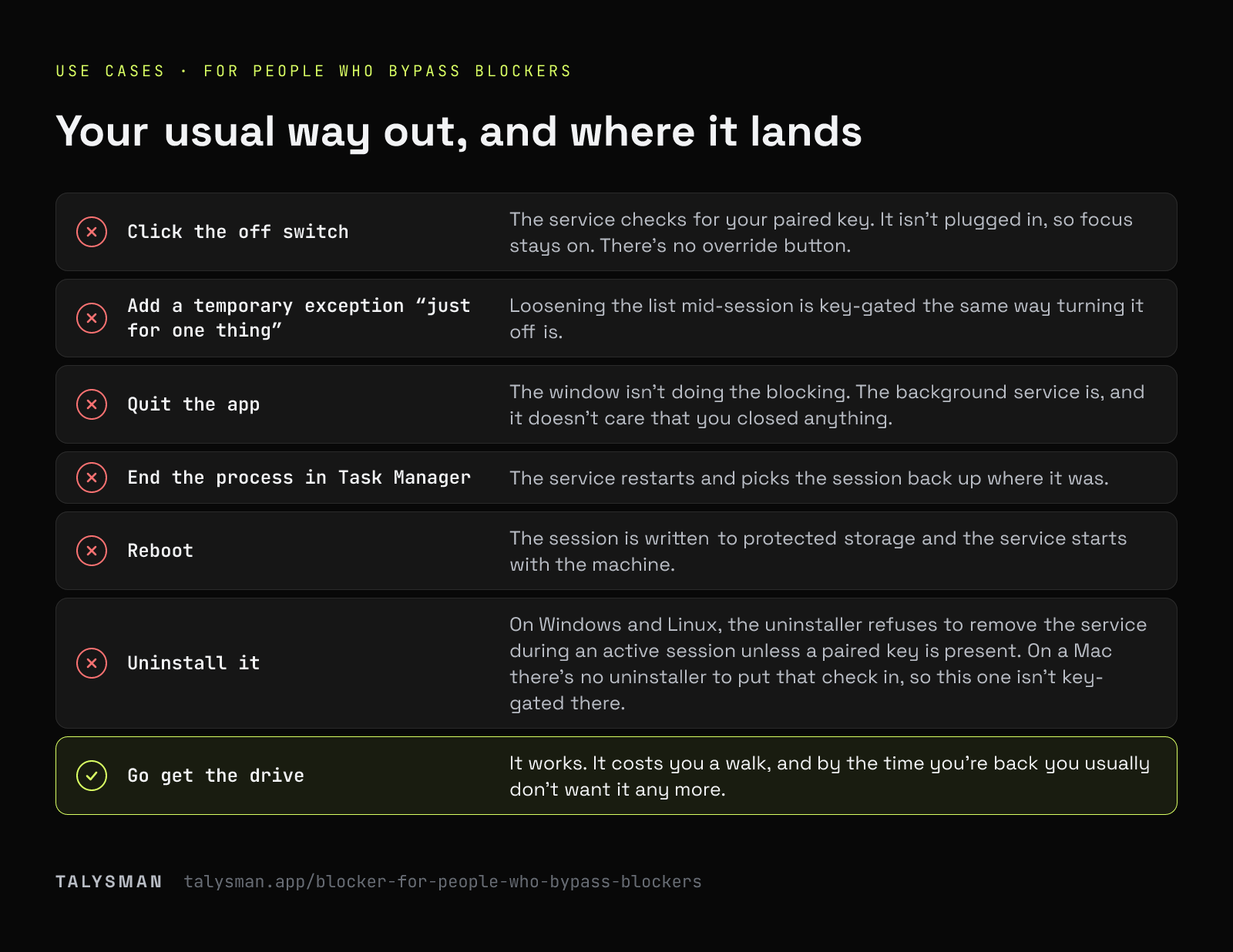
| How you normally get out | What happens with a session running |
|---|---|
| Click the off switch | The service checks for your paired key. It isn't plugged in, so focus stays on. There's no override button. |
| Add a temporary exception “just for one thing” | Loosening the list mid-session is key-gated the same way turning it off is. |
| Quit the app | The window isn't doing the blocking. The background service is, and it doesn't care that you closed anything. |
| End the process in Task Manager | The service restarts and picks the session back up where it was. |
| Reboot | The session is written to protected storage and the service starts with the machine. |
| Uninstall it | On Windows and Linux, the uninstaller refuses to remove the service during an active session unless a paired key is present. On a Mac there's no uninstaller to put that check in, so this one isn't key-gated there. |
| Disable the extension, or open a different browser | Blocking runs below the browser too, and with Strict Mode on a browser that can't enforce the list gets closed during focus rather than left standing open. |
| Go get the drive | It works. It costs you a walk, and by the time you're back you usually don't want it any more. |
Built for the second week, not the first day
Anyone can stay focused on the day they install something. These are the parts aimed at the day the novelty is gone.
Schedules that arm themselves
Your best hours get protected whether or not you remember to start a session — which matters, because on the days you'd most benefit you won't remember.
Locked windows
Mark a scheduled window locked and even the key won't end it early — only one of five lifetime emergency unlocks can. It releases on its own. Opt-in, for the hours you know you'll try to negotiate with.
Apps, not just tabs
If Discord or Steam is your version of the problem, closing the browser doesn't help. Desktop apps go on the list too.
Allow-only mode
Block everything, then permit the four tools the work needs. There's nothing left to negotiate with.
If you're technical, read this part
You're going to try to break it. That's fine, and we'd rather set expectations than have you feel misled: with administrator rights on your own machine and enough determination, you can get past any blocker, including this one. Nothing installed on a computer you control can honestly promise otherwise.
What's true is that the bypasses left are the expensive kind — the kind that take real time, deliberate effort, and full attention. That's a different category from the click that has been ending your sessions, and it's the only category that matters, because the impulse doesn't survive that long.
Frequently asked questions
I've uninstalled every blocker I've bought. Why is this different?
Because on Windows and Linux, uninstalling is key-gated too. During an active session the uninstaller refuses to remove the enforcement service without a paired drive present, so the escape hatch you've used every time before opens onto the same walk as everything else. On a Mac there's no uninstaller to put that check in, so there it's quitting, killing the service and rebooting that lead nowhere.
What if I just keep the key plugged in?
Then you've got a blocker with a one-click off switch, and you already know how that ends. The mechanism is the distance. If you don't trust yourself to move the drive, schedule a locked window instead — nothing ends those early, key included.
Can I try it before paying?
Yes, and you should — this is a product you should be allowed to attack before you trust. Free covers the whole mechanism: pair a key, block sites, run locked sessions, no card. Pricing is here when you want schedules and app blocking.
Try to bypass it. That's the demo.
Start a free session, unplug the key, and run through your whole list of workarounds.
Start focusing freeFree forever, no card. Want schedules and app blocking? Try Pro free for 14 days.