Website blocker for Linux
Website blocker for Linux: strict focus with a USB key
Free forever for 5 sites · or try Pro free for 14 days
Last checked
The short answer
Talysman is a website and app blocker for Debian and Ubuntu that is difficult to bypass on impulse: it runs as a root systemd service that restarts if killed, blocks with nftables and dnsmasq below the browser, and refuses apt remove during a focus session unless your paired USB key is plugged in. Ending a session early needs the key.
Most strict desktop blockers don't run on Linux at all — Cold Turkey is Windows and macOS only. FocusMe does list Linux.
Try to kill it
- kill
sudo pkill talysman-svc. A second later systemctl status says active (running) again: the unit has Restart=always.
- apt remove
The pre-removal hook asks the service first. Focus is on and no key is present, so dpkg aborts the removal.
- Turn off
The off switch checks for your paired USB key. It's in the kitchen.
- Root
You can still take it apart on purpose — it's your machine. What's gone is the ten-second version.
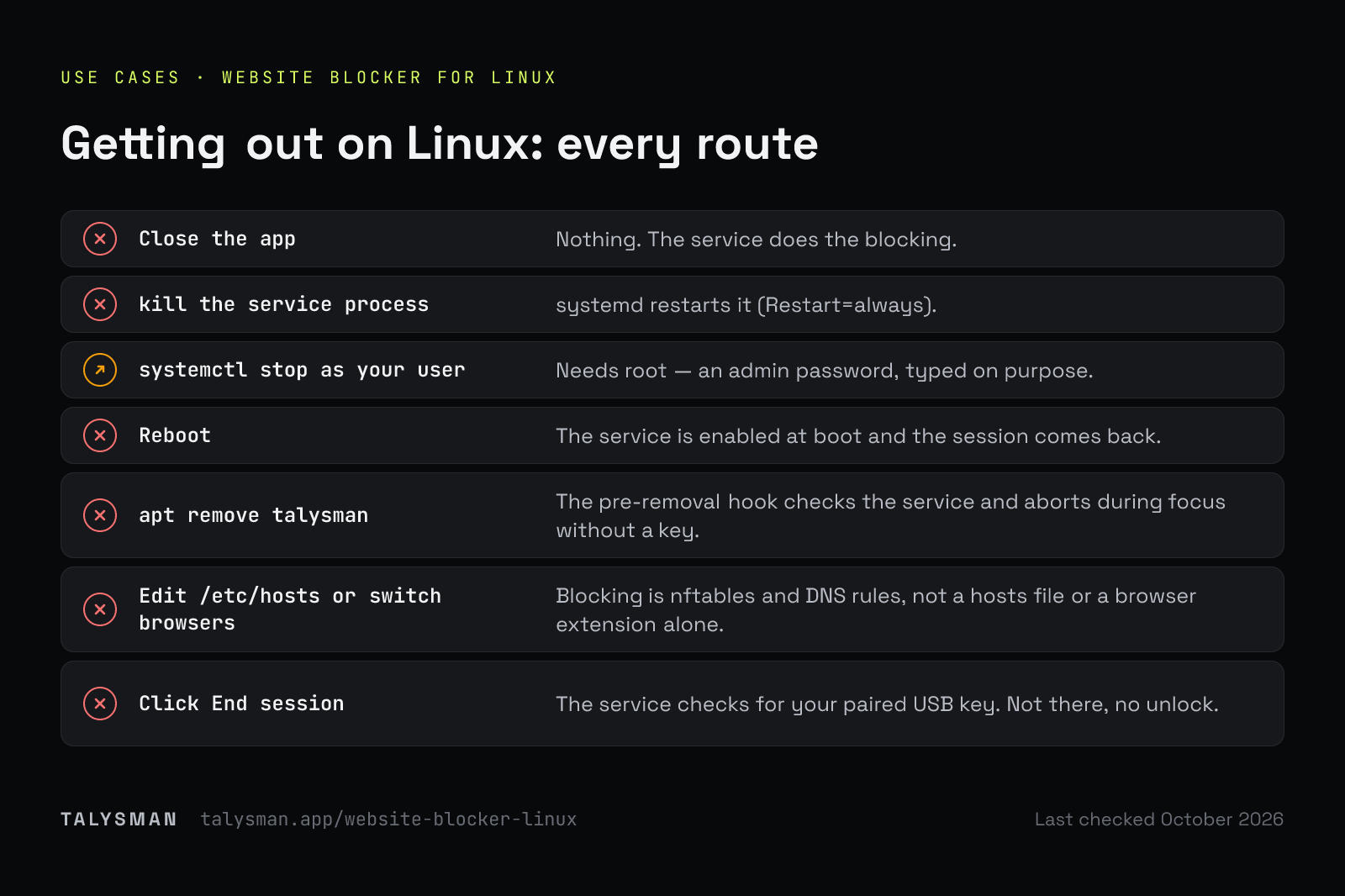
What happens when you try to get out on Linux
| You try | What happens |
|---|---|
| Close the app | Nothing. The service does the blocking. |
| kill the service process | systemd restarts it (Restart=always). |
| systemctl stop as your user | Needs root — an admin password, typed on purpose. |
| Reboot | The service is enabled at boot and the session comes back. |
| apt remove talysman | The pre-removal hook checks the service and aborts during focus without a key. |
| Edit /etc/hosts or switch browsers | Blocking is nftables and DNS rules, not a hosts file or a browser extension alone. |
| Click End session | The service checks for your paired USB key. Not there, no unlock. |
Set it up
Install the .deb
Download the .deb (x86-64) and install it with apt. It sets up and starts the systemd service.
Add the browser extension
Chrome/Chromium or Firefox, for site rules and in-browser block pages.
Pair a USB drive and start a session
Any drive. It's identified by the serial or volume ID it already reports — normally nothing is written to it.
Limits, plainly
You have root. With root you can stop anything, this included — boot another kernel, flush nftables while the service restarts, purge the package from a live USB. Nothing on a machine you administer is unbreakable. What Talysman removes is the ten-second version: the one you'd type without thinking.
Packaged for Debian and Ubuntu (.deb, x86-64) only. Other distributions aren't supported yet.
Frequently asked questions
Which distributions are supported?
Debian and Ubuntu, via the x86-64 .deb. Others aren't supported yet.
Is it free on Linux?
Yes — 5 sites, unlimited manual sessions and the key requirement. App blocking and schedules are Pro.
Does it survive a reboot?
Yes. The service is enabled at boot and restores the session state.
Try it on Debian or Ubuntu
Install the .deb, pair a drive, and try to kill it.
Start focusing freeFree forever, no card. Want schedules and app blocking? Try Pro free for 14 days.