Website blocker you can't turn off
A website blocker you can't turn off on impulse
Free forever for 5 sites · or try Pro free for 14 days
The short answer
Yes: Talysman is a website blocker you can't turn off on impulse, because ending a session early needs a physical USB key you left somewhere else. It blocks websites and desktop apps from a privileged background service, so the usual exits don't work. Closing the app doesn't lift the block. Killing the service starts it again. Rebooting brings the session back intact. The uninstaller refuses to run during an active session. Ending focus early asks the service to physically verify a paired USB drive is plugged in — and if it isn't, the answer is no.
Here is the honest limit, up front: anyone with administrator rights on their own computer can eventually force their way past any blocker, and that includes this one. What Talysman guarantees is not impossibility. It's that the cheapest thing available to you in the moment you want to quit is going back to work.
What it looks like when you try
The interaction the whole product exists for, beat by beat.
- 0:00
A focus session is running. YouTube, Reddit and two desktop apps are on the list. The work is going fine.
- 0:38
The task turns ambiguous. You alt-tab, hit a block screen, and go to the Talysman window instead.
- 0:41
You click End session. “Insert your key to turn off the blocker.” The key indicator is red. There is no second button.
- 0:44
You remember the drive is on the kitchen counter, two rooms away, and that you put it there on purpose forty minutes ago while you were thinking clearly.
- 0:52
You go back to the editor. The urge that was going to cost you an hour cost you eleven seconds.
Sometimes you do go get the drive. That's fine — a decision made on your feet, after a walk, is a different decision than a click made mid-sentence. The point was never to trap you. It was to make sure quitting is something you choose.
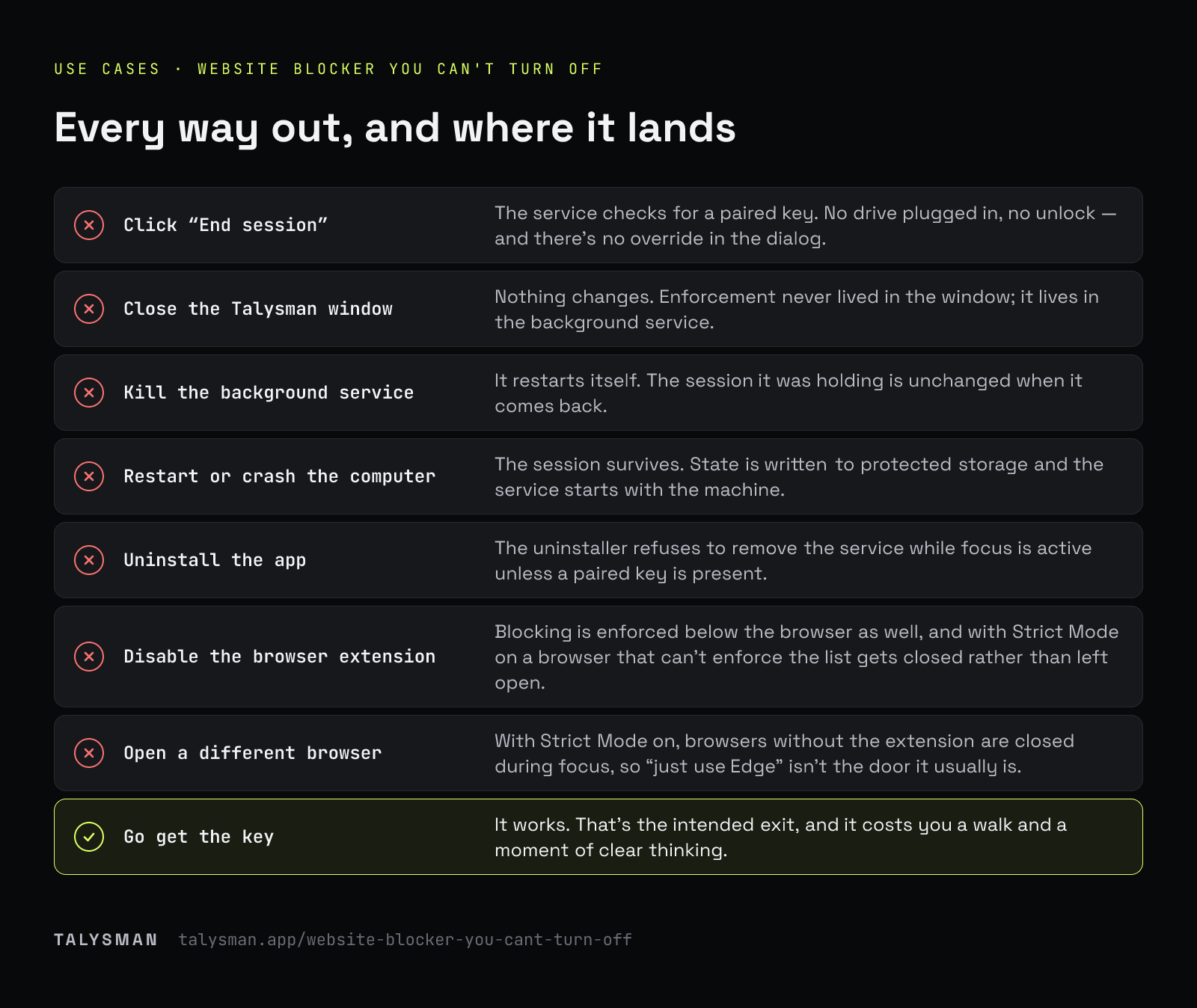
Every way out, and what actually happens
The list you were going to test anyway, in the order most people try them.
| What you try | What happens |
|---|---|
| Click “End session” | The service checks for a paired key. No drive plugged in, no unlock — and there's no override in the dialog. |
| Close the Talysman window | Nothing changes. Enforcement never lived in the window; it lives in the background service. |
| Kill the background service | It restarts itself. The session it was holding is unchanged when it comes back. |
| Restart or crash the computer | The session survives. State is written to protected storage and the service starts with the machine. |
| Uninstall the app | The uninstaller refuses to remove the service while focus is active unless a paired key is present. |
| Disable the browser extension | Blocking is enforced below the browser as well, and with Strict Mode on a browser that can't enforce the list gets closed rather than left open. |
| Open a different browser | With Strict Mode on, browsers without the extension are closed during focus, so “just use Edge” isn't the door it usually is. |
| Wait for the app to forget | There's no grace period and no trusted window. The key is verified at the moment you ask, every time. |
| Go get the key | It works. That's the intended exit, and it costs you a walk and a moment of clear thinking. |
Why the block holds where others don't
It runs below the browser
The blocklist becomes browser-native rules and privileged enforcement on the machine, rather than a page script that a tab can be talked out of.
The service outranks the app
The window you see is a remote control. Everything that matters is held by a service that restarts itself and comes back after a reboot.
The unlock is a physical check
Not a password, not a confirmation, not a captcha. The service looks for a drive whose identifier matches one you paired.
Locked windows go further
Mark a scheduled window locked and even a paired key won't end focus early — only one of five lifetime emergency unlocks can. It releases on its own when the window is over. Opt-in, and you should mean it.
What we're not claiming
This is not tamper-proof against you specifically, if you are determined, technical, and have an afternoon. Administrator rights on your own machine are administrator rights. A blocker that claims otherwise is either lying or is malware, and neither is what you want installed.
What's defensible is narrower and more useful: the failure mode of every other blocker is a five-second decision made badly. Talysman removes the five-second decision. If you still want out after standing up, walking to another room, and picking up a drive, you were not having a lapse — you were making a choice, and you should get to make it.
Frequently asked questions
What if there's a real emergency?
You go get the key, plug it in, and turn focus off. If you can't get to it, each computer has five keyless emergency unlocks for life — they turn everything off, even locked windows, and you never get one back. Also worth knowing: a session only blocks what you put on the list, so everything else on your computer — email, phone calls, your work tools — keeps working the entire time.
What if the drive breaks or gets lost?
Pair spares. Any paired drive unlocks, and you can pair as many as you like, so keep one somewhere safe today rather than finding out the hard way. If every key is gone, each computer has five keyless emergency unlocks for life, and after one you can pair a new drive.
Can I lock a session so even the key won't end it?
Yes — mark a scheduled window locked. Nothing ends focus early during it, and it releases automatically when the window closes. That's the strongest setting and it's deliberately opt-in.
Does it need admin rights to install?
Yes. The enforcement service is privileged — that's exactly why closing a window or killing a process doesn't lift the block. See the downloads for your platform.
Test it against your own best workaround
Start a free session, unplug the key, and try every trick you were going to try anyway.
Start focusing freeFree forever, no card. Want schedules and app blocking? Try Pro free for 14 days.