Cold Turkey vs Freedom vs FocusMe
Cold Turkey vs Freedom vs FocusMe: which is best for deep work?
Free forever for 5 sites · or try Pro free for 14 days
Last checked
The short answer
For deep work on one computer, Cold Turkey has the strictest locks, Freedom is best if your phone is also the problem, and FocusMe is the most configurable. All three have a strict mode — Cold Turkey's locks, Freedom's Locked Mode, FocusMe's Force Mode — and all three make you choose between a lock you can satisfy at the keyboard and a lock you can't leave at all.
Talysman is a fourth option for people stuck on that choice: a session can end early, but only when a paired USB key is plugged in, and the key is wherever you left it.
The same urge, four ways
- Cold Turkey
A random-text lock. You type it out, faster than last week.
- Freedom
Locked Mode. You end it from the web dashboard — allowed once every 7 days.
- FocusMe
Force Mode. The plan can't change until it ends, so the next one is shorter.
- Talysman
Turning off needs the USB key, two rooms away. You finish the paragraph.
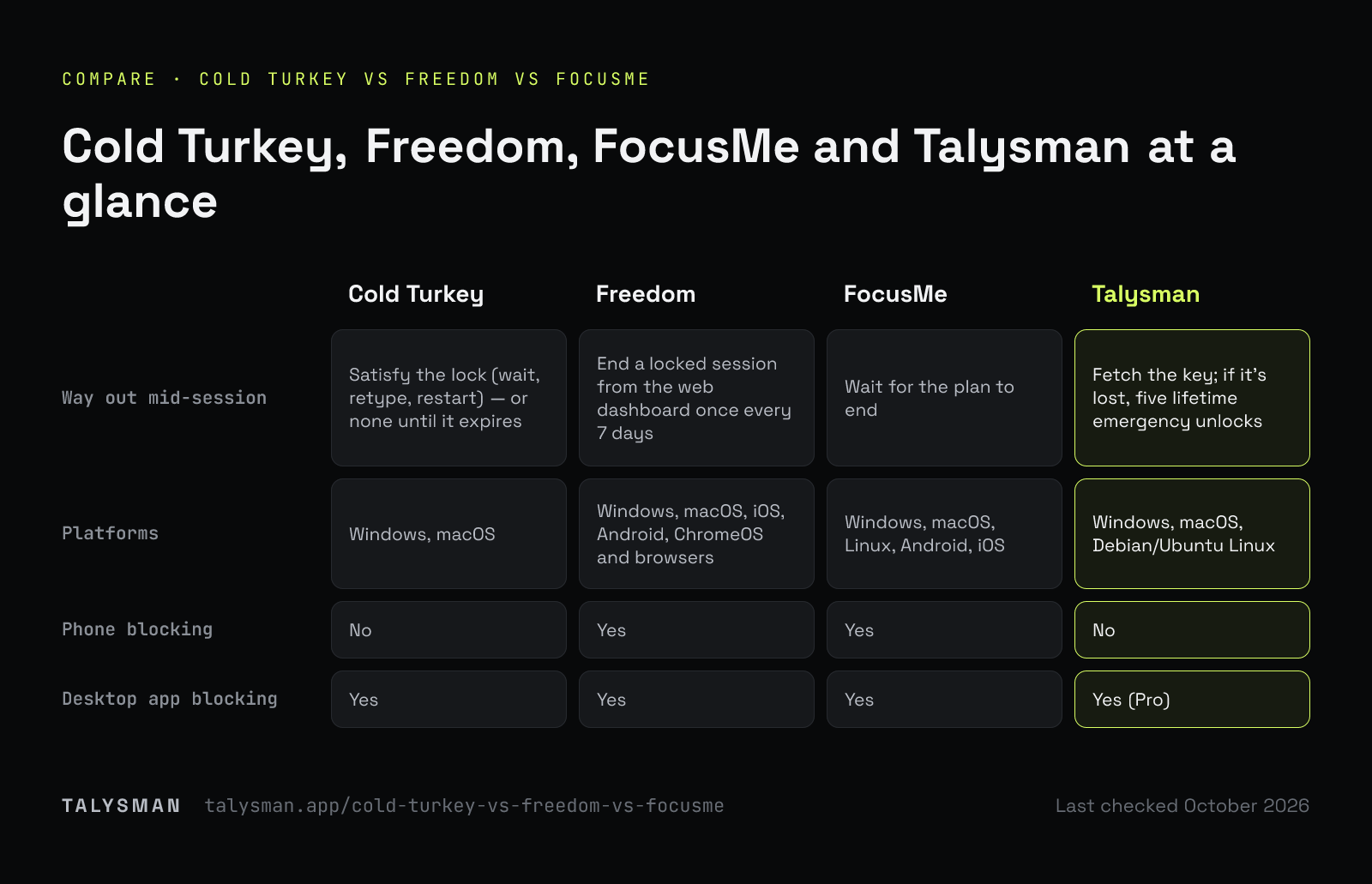
The four side by side
Mechanism first, because that's what decides whether a deep-work block survives the afternoon.
| Cold Turkey | Freedom | FocusMe | Talysman | |
|---|---|---|---|---|
| Strict mode | Timer, random-text, restart, range, password and schedule locks; Frozen Turkey locks the whole computer | Locked Mode: can't quit the app or end the session | Force Mode: the plan can't be changed until it ends | Ending early needs a paired USB key plugged in |
| Way out mid-session | Satisfy the lock (wait, retype, restart) — or none until it expires | End a locked session from the web dashboard once every 7 days | Wait for the plan to end | Fetch the key; if it's lost, five lifetime emergency unlocks |
| Platforms | Windows, macOS | Windows, macOS, iOS, Android, ChromeOS and browsers | Windows, macOS, Linux, Android, iOS | Windows, macOS, Debian/Ubuntu Linux |
| Phone blocking | No | Yes | Yes | No |
| Desktop app blocking | Yes | Yes | Yes | Yes (Pro) |
| Social feeds without the whole site | Block by site or URL | Block by site | Block by site | Site rules hide feeds and recommendations, keep direct links and messages |
Talysman isn't affiliated with any of these. Sources: Cold Turkey user guide, Freedom Locked Mode, FocusMe. Each vendor's site is the authority on what it does today.
Which one to pick
A different answer for different people — including ones that aren't us.
You want a lock with no way out
Cold Turkey. Its locks and Frozen Turkey are as strict as desktop blocking gets, on Windows and Mac.
Your phone is half the problem
Freedom. One list across phone, tablet and computer; Locked Mode for the sessions that matter.
You want to tune everything
FocusMe. Force Mode, usage limits, detailed schedules, and the widest platform list of the three.
Strict locks scare you off starting
Talysman. There is always an exit, but it's a walk to a USB drive, not a click. People keep starting sessions they know they can end.
What deep work actually needs from a blocker
Deep work fails in two places. The first is the impulse forty minutes in, when the task gets hard; every strict mode handles that. The second is the morning you decide not to start a block at all, because you might need the computer for something and the lock can't tell an emergency from an excuse.
Strict modes solve the first by making the second worse. A physical key handles both: the exit exists, so you start the session; the exit is in another room, so you don't use it on a whim. More on that trade-off in digital locks vs physical friction.
Frequently asked questions
Which of Cold Turkey, Freedom and FocusMe is hardest to bypass?
Cold Turkey's Frozen Turkey and long timer locks are the hardest to undo once set. The real question is which one you'll keep using; a lock you dread starting protects fewer hours.
Which works on Linux?
FocusMe lists Linux; Cold Turkey doesn't support it. Talysman runs on Debian and Ubuntu — see the Linux page.
Can I use Talysman alongside one of them?
Yes. A common pairing is Freedom for the phone and Talysman for the computer where the deep work happens. They enforce independently.
Try the fourth option
Free, with any USB drive you own. Start a session and see whether a walk is enough.
Start focusing freeFree forever, no card. Want schedules and app blocking? Try Pro free for 14 days.