Focus app for developers
Focus app for developers: block distractions while coding
Free forever for 5 sites · or try Pro free for 14 days
The short answer
For programmers who need YouTube and Reddit for work but get distracted by them, the best setup hides the feeds and keeps direct links: tutorials and threads you search for still open, the homepage and recommendations don't. Talysman does this with site rules for YouTube, Reddit and Hacker News, blocks Discord and games as apps, and leaves your editor, terminal and package registries alone.
Ending a coding session early requires a paired USB key plugged in. It runs on Windows, macOS and Debian/Ubuntu Linux.
A coding session
- Stuck
A borrow-checker error. You search YouTube, open the explainer, and it plays with no sidebar.
- Drift
The video ends. You click the YouTube logo. No feed. You open Reddit — no front page.
- The off switch
You open Talysman. “Insert your key to turn off the blocker.” The key is in your bag by the door.
- Fixed
You go back and fix the lifetime.
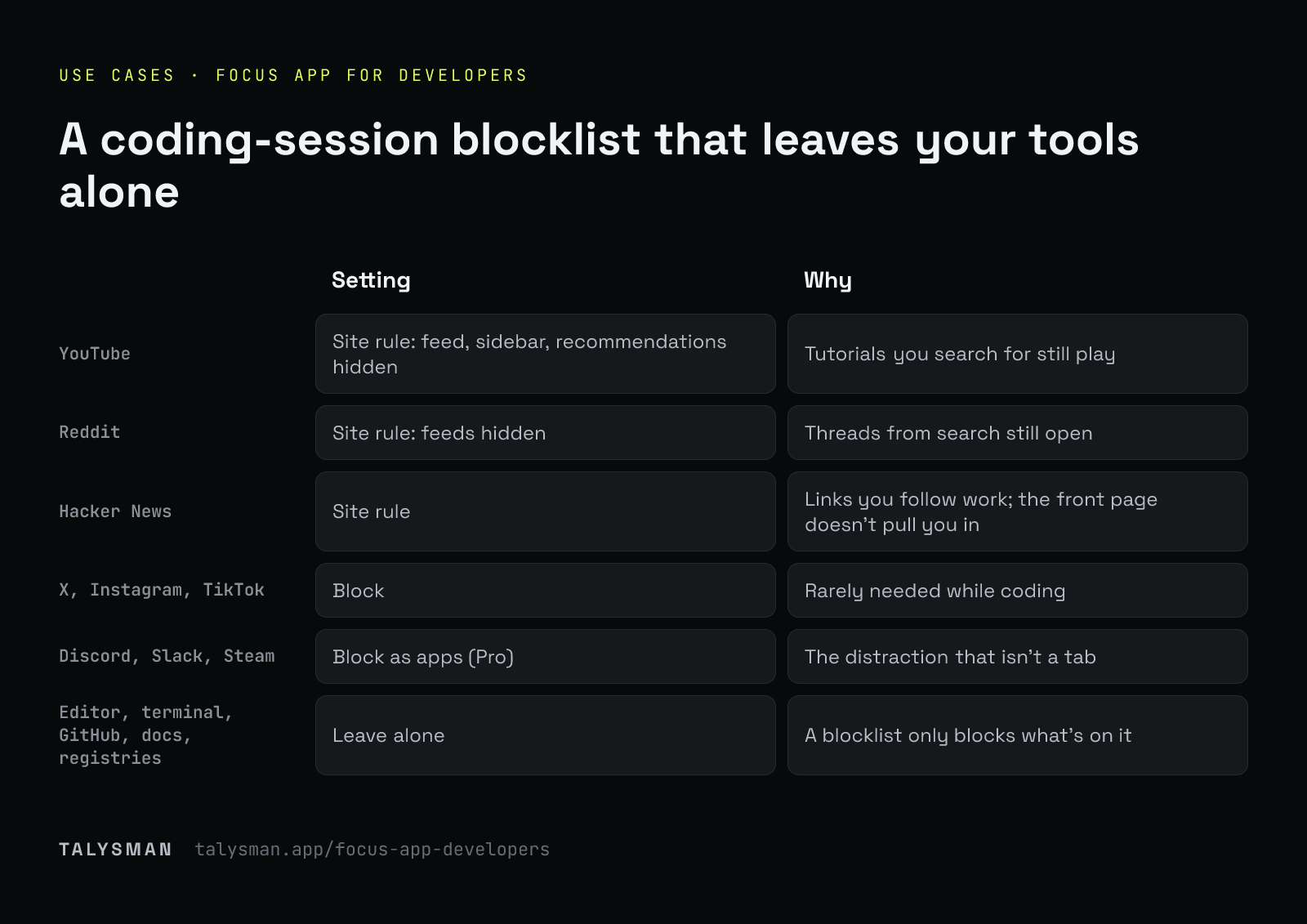
A setup recipe for coding sessions
| Site or app | Setting | Why |
|---|---|---|
| YouTube | Site rule: feed, sidebar, recommendations hidden | Tutorials you search for still play |
| Site rule: feeds hidden | Threads from search still open | |
| Hacker News | Site rule | Links you follow work; the front page doesn't pull you in |
| X, Instagram, TikTok | Block | Rarely needed while coding |
| Discord, Slack, Steam | Block as apps (Pro) | The distraction that isn't a tab |
| Editor, terminal, GitHub, docs, registries | Leave alone | A blocklist only blocks what's on it |
Frequently asked questions
Will it break localhost, Docker or package installs?
No. A blocklist only blocks the domains and apps you put on it. Allow-only mode is the one setting to configure carefully.
Does it work on Linux?
Yes, Debian and Ubuntu. See the Linux page.
Can I tune what YouTube hides?
Yes. Each part of the site rule (Shorts, comments, end screens and more) is its own switch. See blocking YouTube while working.
Keep the docs, lose the feeds
Pair a drive, add the site rules, and put the key out of reach.
Start focusing freeFree forever, no card. Want schedules and app blocking? Try Pro free for 14 days.