Website blocker for Windows
Website blocker for Windows that uses a physical key
Free forever for 5 sites · or try Pro free for 14 days
The short answer
Talysman is a website and app blocker for Windows 10 and 11 that runs as a Windows system service, so closing the app or ending it in Task Manager doesn't lift the block. Ending a focus session early requires a paired USB drive to be plugged in — any drive you already own.
It blocks sites in every browser at the network level, adds Chrome and Firefox extensions on top, and blocks desktop apps like Discord and Steam with Pro.
The Windows workaround list, exhausted
- Ctrl+Shift+Esc
You find Talysman in Task Manager and end it. The block page is still there. The service came back before you switched windows.
- Restart
You restart. Windows boots, the service starts, focus is still on.
- Settings → Apps
You try to uninstall. It refuses: focus is active and no key is present.
- The key
Which is in a drawer two rooms away. By now you've spent three minutes on the workaround and the urge has worn off.
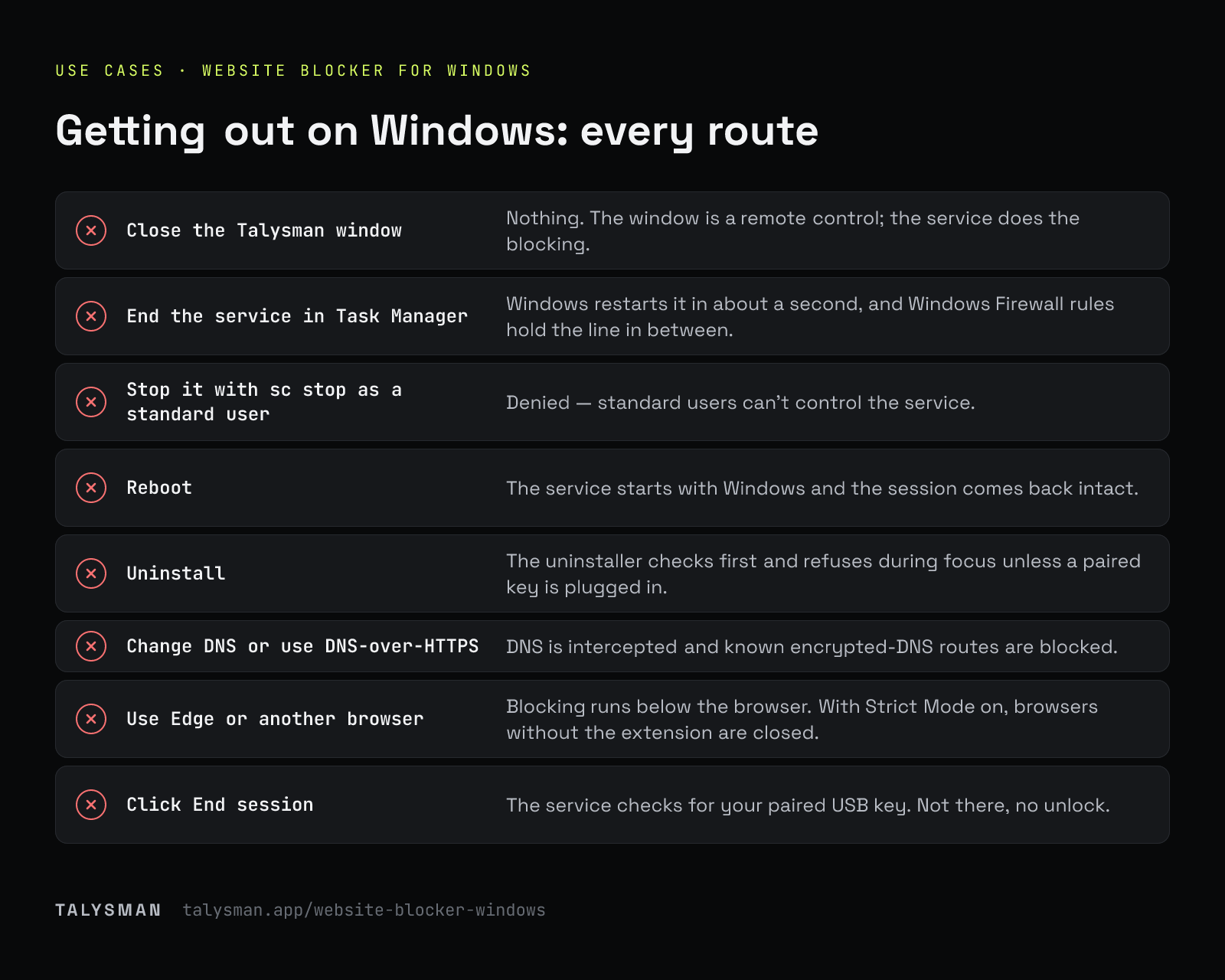
What happens when you try to get out on Windows
| You try | What happens |
|---|---|
| Close the Talysman window | Nothing. The window is a remote control; the service does the blocking. |
| End the service in Task Manager | Windows restarts it in about a second, and Windows Firewall rules hold the line in between. |
| Stop it with sc stop as a standard user | Denied — standard users can't control the service. |
| Reboot | The service starts with Windows and the session comes back intact. |
| Uninstall | The uninstaller checks first and refuses during focus unless a paired key is plugged in. |
| Change DNS or use DNS-over-HTTPS | DNS is intercepted and known encrypted-DNS routes are blocked. |
| Use Edge or another browser | Blocking runs below the browser. With Strict Mode on, browsers without the extension are closed. |
| Click End session | The service checks for your paired USB key. Not there, no unlock. |
Built for Windows
A real Windows service
Runs as LocalSystem with automatic restart, not as a tray app you can close.
Blocks in every browser
DNS and TLS-hostname filtering below the browser, plus Chrome and Firefox extensions.
Desktop apps too
Discord, Steam, games and chat clients are closed while blocked (Pro).
Any USB drive is the key
Paired by the serial or volume ID the drive already reports; nothing is normally written to it.
Limits
An administrator can still boot into Safe Mode or disable services, and a VPN can route around a host-based filter. Talysman removes the five-second exits; it doesn't make your own PC unbreakable.
Frequently asked questions
Which Windows versions are supported?
Windows 10 and 11, 64-bit.
Is it free on Windows?
Yes — 5 sites, unlimited manual sessions and the key requirement, with no card. App blocking and schedules are Pro.
Does it work on Mac and Linux too?
Yes: macOS and Debian/Ubuntu Linux. One USB drive can be paired on all of them.
Install it on Windows in two minutes
Download, pair a drive, start a session, and try Task Manager.
Start focusing freeFree forever, no card. Want schedules and app blocking? Try Pro free for 14 days.