Website blocker for Mac
Website blocker for Mac that's hard to quit on impulse
Free forever for 5 sites · or try Pro free for 14 days
The short answer
Talysman is a Mac website and app blocker for Apple Silicon and Intel that enforces from a background system daemon rather than the app window, so Cmd-Q, Force Quit and restarting don't end a focus session. Ending one early requires a paired USB drive to be plugged in.
It blocks sites in Safari, Chrome, Firefox and every other browser at the network level, adds Chrome and Firefox extensions for finer rules, and blocks desktop apps with Pro.
On a Mac, mid-afternoon
- Cmd-Q
You quit Talysman. The site is still blocked.
- Safari
You try another browser. Same block — it isn't an extension trick.
- End session
“Insert your key to turn off the blocker.” The indicator is red.
- The key
It's on the hallway shelf. You'd have to go get it. You go back to work instead.
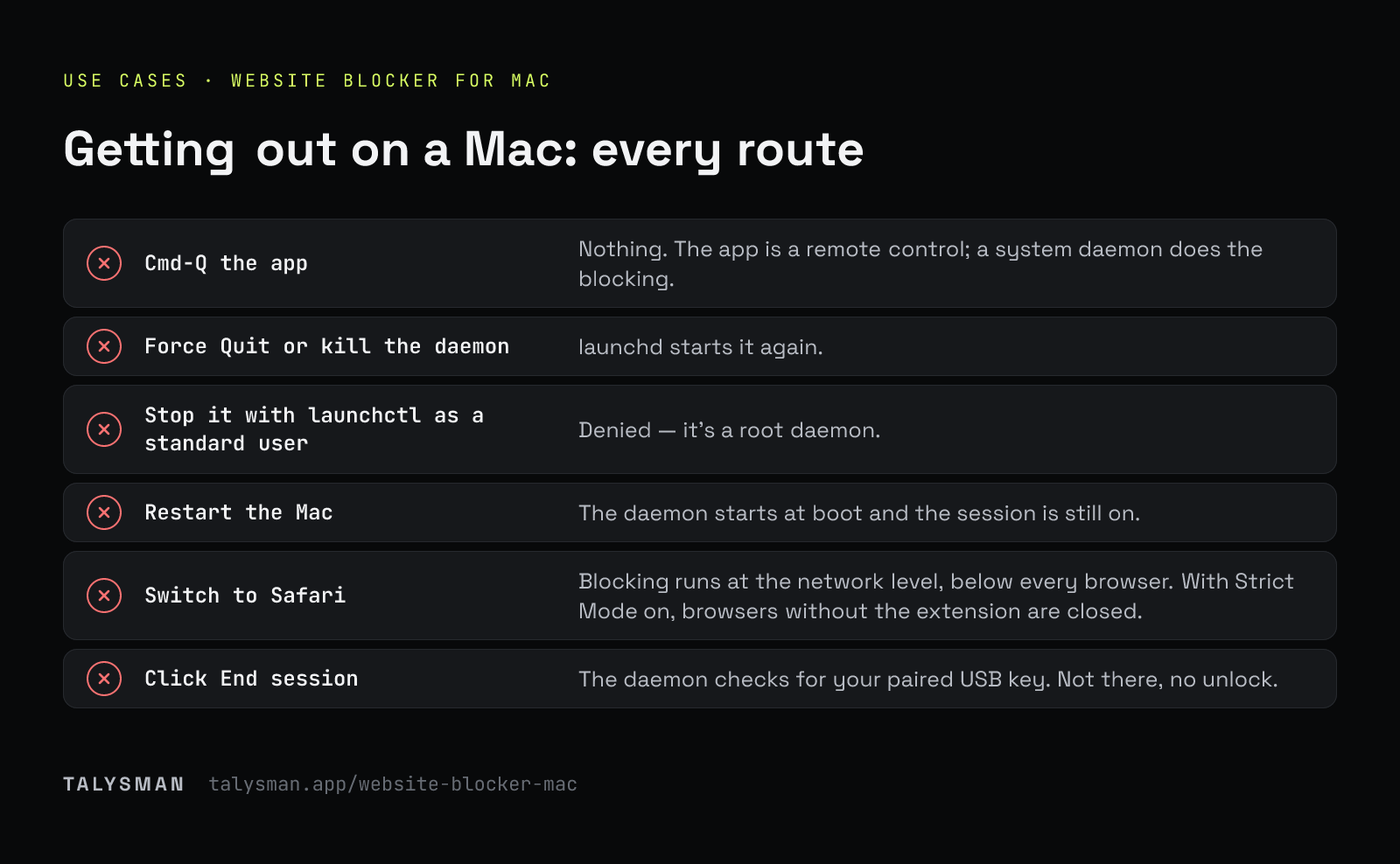
What happens when you try to get out on a Mac
| You try | What happens |
|---|---|
| Cmd-Q the app | Nothing. The app is a remote control; a system daemon does the blocking. |
| Force Quit or kill the daemon | launchd starts it again. |
| Stop it with launchctl as a standard user | Denied — it's a root daemon. |
| Restart the Mac | The daemon starts at boot and the session is still on. |
| Switch to Safari | Blocking runs at the network level, below every browser. With Strict Mode on, browsers without the extension are closed. |
| Click End session | The daemon checks for your paired USB key. Not there, no unlock. |
Limits on macOS
The macOS version blocks with the system packet filter and a managed hosts block, and closes blocked apps. It doesn't yet use Apple's Network Extension or Endpoint Security frameworks, which need special entitlements from Apple. An administrator who knows where to look can remove it. The aim, as everywhere, is to remove the quick exits.
Frequently asked questions
Does it work on Apple Silicon?
Yes — Apple Silicon and Intel Macs.
Is it free on Mac?
Yes — 5 sites, unlimited manual sessions and the key requirement, no card. App blocking and schedules are Pro.
Can one key unlock my Mac and my Windows PC?
Yes. Pair the same drive on each computer; each keeps its own list of paired keys.
Try it on your Mac
Download, pair a drive, start a session, and try Cmd-Q.
Start focusing freeFree forever, no card. Want schedules and app blocking? Try Pro free for 14 days.