Block YouTube while working
How to block YouTube while working without losing work access
Free forever for 5 sites · or try Pro free for 14 days
The short answer
To block YouTube while working without losing work access, block the parts that pull you away — the home feed, recommendations, the sidebar, end screens — and keep search and the videos you open directly. Talysman's YouTube site rule does exactly that in Chrome and Firefox on Windows, macOS and Linux. If you don't need YouTube for work at all, block the whole domain instead.
Either setting holds for the same reason: ending a focus session early requires a paired USB drive to be plugged into the computer. Leave the drive in another room and the rule stays in place until the session ends, not until you change your mind.
What a work session on YouTube looks like
The useful video plays. Everything designed to keep you watching doesn't load.
- Search
You search “rust lifetimes explained”. Results load. You open the one you wanted.
- The video
It plays. No sidebar of related videos, no comments rabbit hole if you turned them off, no autoplay wall at the end.
- The homepage
When the video ends you click the logo out of habit. The feed isn't there. There is nothing to scroll.
- The urge
You open Talysman to loosen the rule. Loosening it, like ending the session, needs the key — and the indicator is red.
- Back to work
The drive is in the kitchen. You close the tab and write the code the video was for.
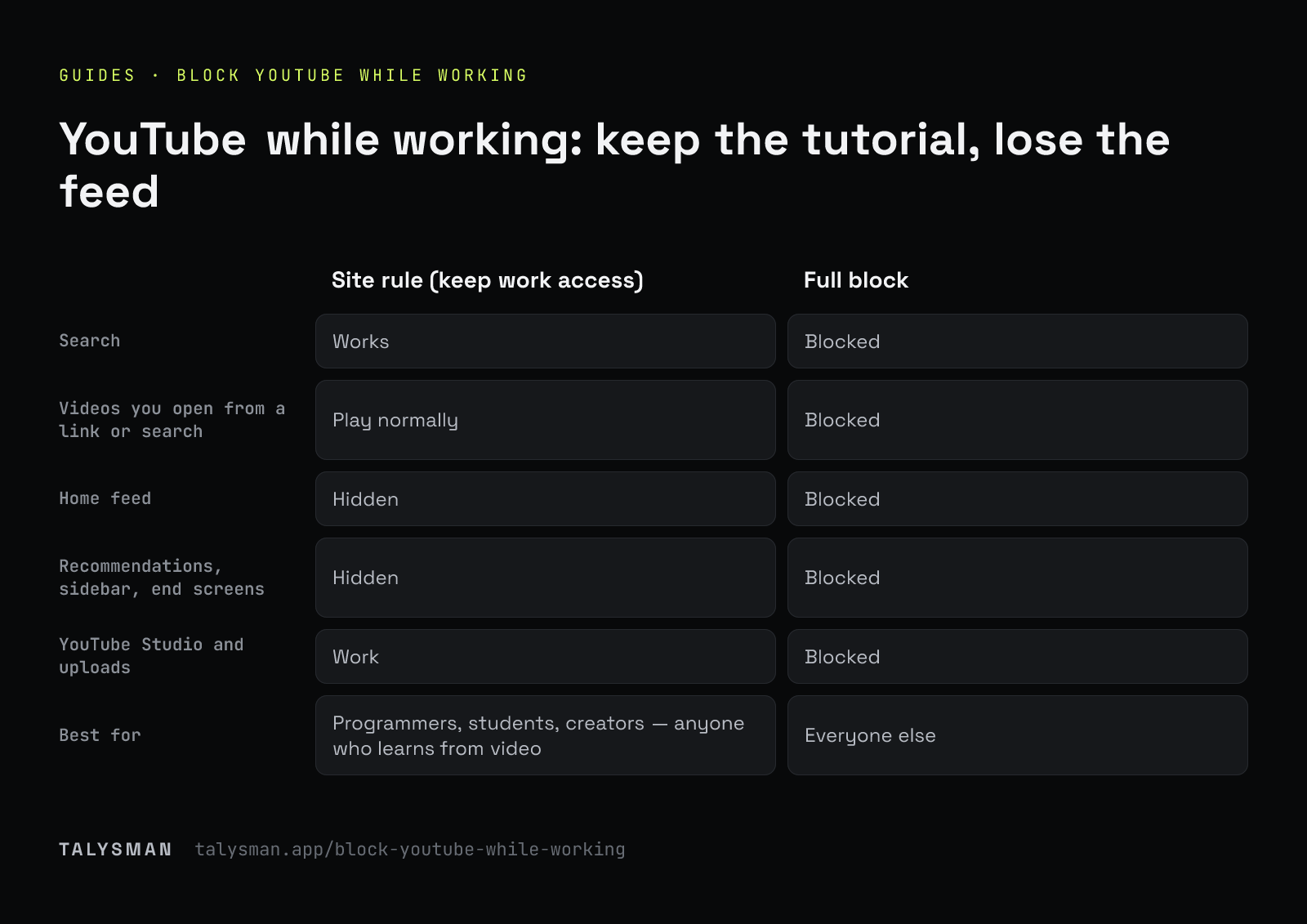
Two ways to block YouTube
Pick by whether YouTube is part of your job.
| Site rule (keep work access) | Full block | |
|---|---|---|
| Search | Works | Blocked |
| Videos you open from a link or search | Play normally | Blocked |
| Home feed | Hidden | Blocked |
| Recommendations, sidebar, end screens | Hidden | Blocked |
| Shorts | Your choice, per rule | Blocked |
| YouTube Studio and uploads | Work | Blocked |
| Best for | Programmers, students, creators — anyone who learns from video | Everyone else |
A site rule counts as one of the 5 websites on the free plan. It needs the Chrome or Firefox extension, so while a site rule is active, Strict Mode stays on and browsers without the extension are closed during focus.
Set it up in about two minutes
Install and pair a drive
Download Talysman for your platform and add the Chrome or Firefox extension. Plug in any USB drive you own and pair it — that drive is now the key for this computer.
Add YouTube as a site rule, or block it
Add YouTube from the site list and keep the defaults (feed, recommendations, sidebar and end screens hidden; search and direct videos allowed), or block youtube.com outright. Add whatever replaces it later in the afternoon — Reddit and X have site rules too.
Start a session, then unplug the key
Set a length and start. Take the drive out of the machine and leave it somewhere that costs you a walk. That step is not optional; it's the entire mechanism.
The parts that matter after week one
Anyone can block YouTube once. These decide whether it's still blocked in March.
Recurring windows arm themselves
Schedule your two best hours and the block starts without you — even if the app is closed and you never remembered to press start. That's Pro.
Quitting the app changes nothing
Enforcement is a privileged background service. Closing the window, killing the process, or rebooting all leave the session running.
The desktop app is covered too
App blocking covers desktop clients you add to the list, so a YouTube app isn't a way around the site rule. App blocking is Pro.
Your history stays yours
The extension never receives the URLs you visit, your history, page content, or search terms.
What a site rule doesn't do
It hides the parts of YouTube built to keep you watching. It can't tell a tutorial from a video essay you searched for on purpose. If the search box itself is the problem, block the domain — or use allow-only mode and permit just the tools your work needs.
And the usual caveat: with administrator rights on your own computer you can eventually force past any blocker. The claim is that the cheap exits are gone, not that there are none.
Frequently asked questions
Can I block YouTube but still watch tutorials?
Yes. The YouTube site rule keeps search and videos you open directly, and hides the home feed, recommendations, sidebar and end screens. You find the tutorial; YouTube doesn't get to suggest the next twelve.
Can I block Shorts specifically?
Yes. Shorts is a separate switch in the YouTube site rule.
Which browsers are supported?
Chrome and Firefox have extensions. Site rules need the extension, so Strict Mode stays on while one is active and closes any browser without it during focus.
Is blocking YouTube free?
Yes. Free covers 5 websites or site rules, unlimited manual sessions and the key requirement, with no card. Recurring schedules and desktop app blocking are Pro, free for 14 days — see pricing.
Keep the tutorial, lose the rabbit hole
Pair a drive, add the YouTube site rule, unplug the key, and see how the afternoon goes.
Start focusing freeFree forever, no card. Want schedules and app blocking? Try Pro free for 14 days.