Digital locks vs physical friction
Digital locks vs physical friction: which distraction blocker works better?
Free forever for 5 sites · or try Pro free for 14 days
The short answer
The desktop blocker hardest to bypass impulsively is one whose exit isn't on the computer at all. Hard digital locks (a timer you can't cancel, a forced plan) are harder to bypass outright, but they fail differently: people stop starting them.
Physical friction — a key you have to fetch from another room — keeps an exit for real emergencies without putting an override button on the screen. Talysman uses a paired USB drive as that key on Windows, macOS and Linux.
The same minute, three ways
- Delay lock
You click disable. A 200-character string appears. You type it, faster than last week. Two minutes later you're on Reddit.
- Hard lock
Nothing to click. You sit with it — and tomorrow you set a 45-minute block instead of three hours, just in case.
- Physical key
“Insert your key to turn off the blocker.” The key is downstairs. You'd have to go get it. You don't. You finish the paragraph.
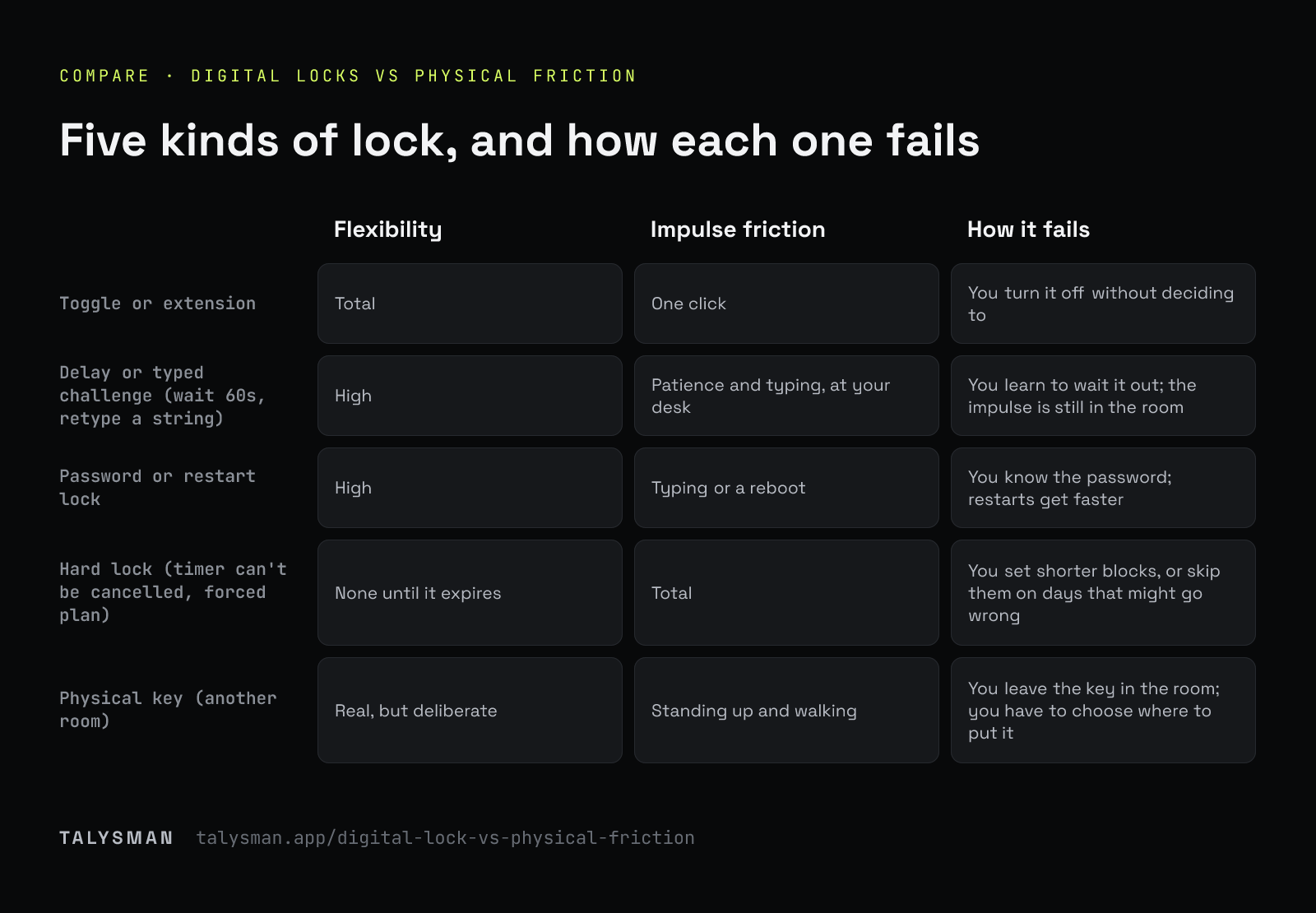
Five kinds of lock, three questions
Flexibility is whether you can get out when you genuinely need to. Friction is what that costs in the moment. The failure mode is how each one stops protecting you.
| Lock type | Flexibility | Impulse friction | How it fails |
|---|---|---|---|
| Toggle or extension | Total | One click | You turn it off without deciding to |
| Delay or typed challenge (wait 60s, retype a string) | High | Patience and typing, at your desk | You learn to wait it out; the impulse is still in the room |
| Password or restart lock | High | Typing or a reboot | You know the password; restarts get faster |
| Hard lock (timer can't be cancelled, forced plan) | None until it expires | Total | You set shorter blocks, or skip them on days that might go wrong |
| Physical key (another room) | Real, but deliberate | Standing up and walking | You leave the key in the room; you have to choose where to put it |
Cold Turkey's random-text and restart locks are the delay type; its timer locks and Frozen Turkey, Freedom's Locked Mode and FocusMe's Force Mode are hard locks. Products often offer several. See the three compared.
Why the impulse is the thing to design for
Most distraction isn't a decision. It's an alt-tab you notice afterwards. A lock only has to outlast that moment — usually seconds — and the friction that does it best is friction that makes you stop being on autopilot. Typing a random string keeps you at the keyboard, still in the impulse. Standing up and walking to another room doesn't.
Hard locks win on impulse friction and lose on everything else. If a lock can't tell a real emergency from an excuse, a reasonable person sets it conservatively. That is the quiet failure of strict blockers: they protect the hours you dared to lock.
An emergency exit without an override button
The usual emergency exit is an override on the screen, which is just a slower button. Talysman has two exits and neither is on your desk. The everyday one is the key. The emergency one, for a lost or broken key, is five keyless emergency unlocks per computer for life: they turn everything off, reset your streak, and never come back.
Scarcity does the work a button can't. Five is enough for a real emergency and visibly too few to spend on a slow afternoon.
What no lock type fixes
With administrator rights on your own computer you can eventually force past any blocker: safe mode, disabling services, wiping the disk. No lock design changes that. What lock design changes is whether the cheap, five-second exits exist — and whether you're willing to start the session in the first place.
Frequently asked questions
Which desktop blocker is hardest to bypass impulsively?
One whose exit is physically elsewhere. A hard timer lock is harder to bypass outright, but a physical key is harder to bypass on impulse while still letting you out deliberately.
Isn't a physical key just a delay?
It's a delay you can't sit through. Waiting out a timer keeps you in front of the screen; fetching a key makes you leave it, which is usually enough to break the impulse.
Where can I see one working?
How USB-key focus works walks through the mechanism end to end.
Try physical friction for a week
Any USB drive works. Pair it, start a session, put it somewhere that costs you a walk.
Start focusing freeFree forever, no card. Want schedules and app blocking? Try Pro free for 14 days.