FocusMe alternative
FocusMe alternative: physical focus blocking with Talysman
Free forever for 5 sites · or try Pro free for 14 days
Last checked
The short answer
If you want a FocusMe alternative with a simpler commitment mechanism, Talysman blocks websites and desktop apps on Windows, macOS and Linux, and lets you end a session early only by plugging in a paired USB key.
FocusMe's Force Mode makes a running plan very hard to change until it ends, and it can add uninstall protection and block tools like Task Manager. That's strength through settings. Talysman takes the opposite bet: fewer settings, and one exit that is always available — but only to someone willing to stand up and fetch the key.
The difference in one interaction
Forty minutes into a hard task, in both products.
- The urge
The task stalls. You go looking for the off switch.
- FocusMe in Force Mode
There isn't one. The plan runs until it ends — which is the point, and also why you'll set a shorter plan tomorrow.
- Talysman
End session. “Insert your key to turn off the blocker.” The indicator is red. The key is on a shelf in the hallway.
- The decision
You could go get it. Getting up turns an impulse into a decision, and most impulses don't survive being made into one.
What FocusMe does well
Scope and control. Detailed schedules, usage limits, Force Mode, protection against uninstalling and against the system tools people use to kill a blocker. It runs on more platforms than most desktop blockers, phones included. If you like tuning a system until it fits exactly, FocusMe rewards that.
The trade-off is the one every strict mode shares: once a forced plan is running, the only exit is waiting. People respond by forcing fewer plans, or shorter ones.
Where the two differ
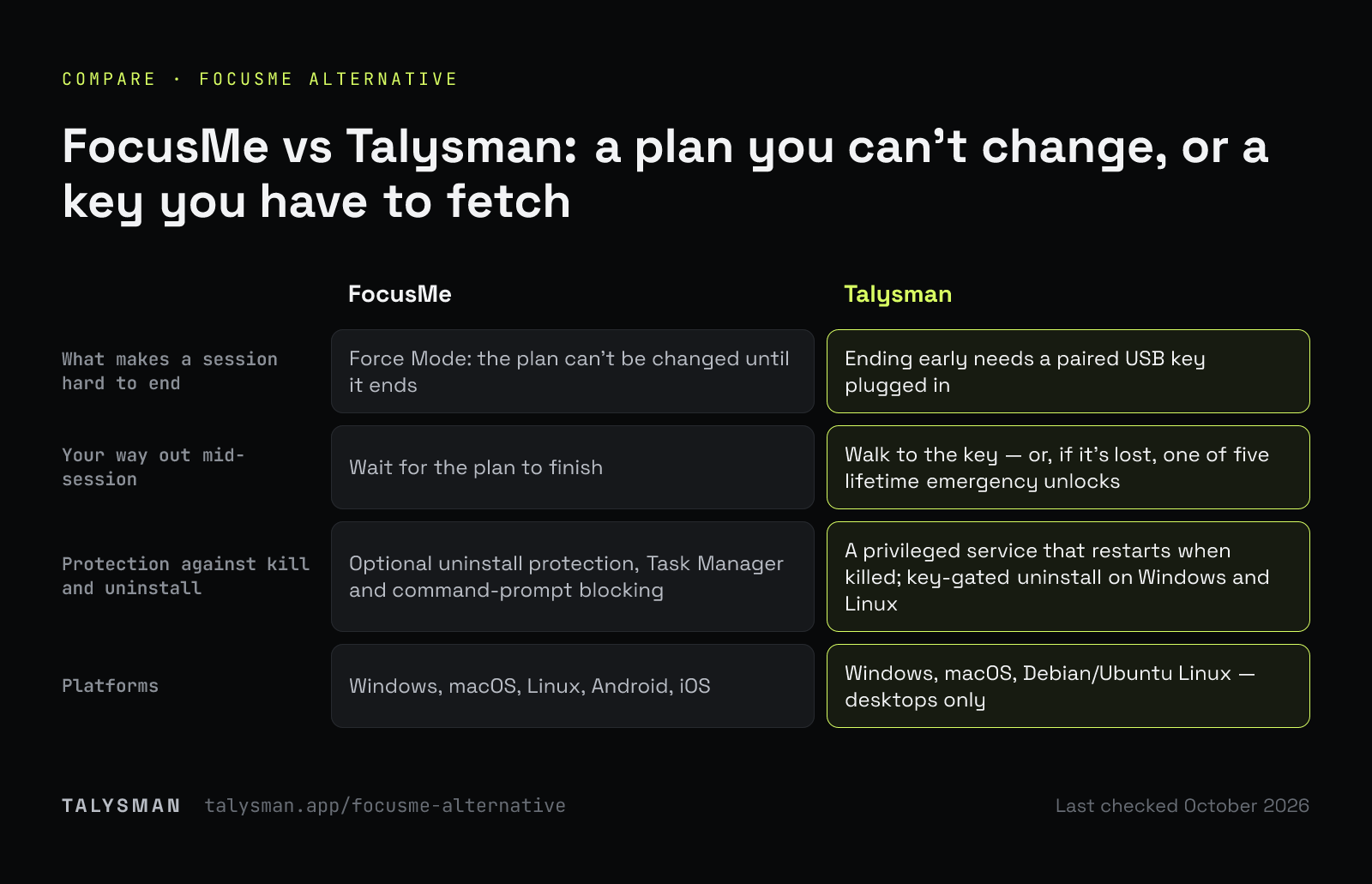
| FocusMe | Talysman | |
|---|---|---|
| What makes a session hard to end | Force Mode: the plan can't be changed until it ends | Ending early needs a paired USB key plugged in |
| Your way out mid-session | Wait for the plan to finish | Walk to the key — or, if it's lost, one of five lifetime emergency unlocks |
| Protection against kill and uninstall | Optional uninstall protection, Task Manager and command-prompt blocking | A privileged service that restarts when killed; key-gated uninstall on Windows and Linux |
| Platforms | Windows, macOS, Linux, Android, iOS | Windows, macOS, Debian/Ubuntu Linux — desktops only |
| Setup effort | Many settings to choose | Pair a drive, pick a list, start |
| Social sites without the feed | Block or allow by site and schedule | Site rules hide feeds on Reddit, YouTube, X and more while keeping direct links |
Talysman isn't affiliated with FocusMe. FocusMe's modes and platforms are from its website, which is the authority on what it does today.
When you should stay with FocusMe
If you need phone blocking, detailed usage limits, or you genuinely want a lock with no exit, FocusMe covers ground Talysman doesn't. If its Force Mode is holding and you're not dreading starting it, keep it.
Switch if the strictness has started to work against you — if you've stopped forcing plans because they're all-or-nothing. And as with any blocker: with admin rights on your own machine, you can eventually force past it. The goal is to make the cheap exits disappear.
Frequently asked questions
Is Talysman stricter than FocusMe?
Not by every measure. A forced FocusMe plan has no exit until it ends; a Talysman session has one, behind a physical key. For a lock with no key exit, mark a scheduled window locked — only an emergency unlock ends it early.
Does Talysman work on Linux like FocusMe?
Yes, on Debian and Ubuntu. See the Linux page for how it enforces there.
Can I try it before switching?
Free covers the whole mechanism with no card: pair a key, block 5 sites, and run sessions only the key can end early. Download it.
One exit, in another room
Pair a drive, start a session, and see whether the walk is enough.
Start focusing freeFree forever, no card. Want schedules and app blocking? Try Pro free for 14 days.