Adult website blocker
How to block adult websites in Chrome, Firefox and every other browser
Free forever for 5 sites · or try Pro free for 14 days
The short answer
To block adult websites in Chrome, point the browser's secure DNS at a family filter such as Cloudflare's (https://family.cloudflare-dns.com/dns-query) and turn Google SafeSearch to Filter. Do the same in Firefox, or set the filter for the whole computer in Windows or macOS network settings. All of this is free, and it's enough to stop accidents.
These settings stop accidents, but they won't stop you on purpose: you can undo each one in a few clicks. If you need a block that survives your own bad moments, Talysman blocks more than 400,000 adult domains in every browser, private windows included. Turning it off needs a USB key that you keep in another room.
One block, three browsers
The tricks that get past a block in a single browser, tried against Talysman one by one.
- Chrome
You type an adult site's address into Chrome and get Talysman's block page.
- Incognito
Next you try a private window, where most browser extensions are switched off. The site is still blocked.
- Firefox
So you open Firefox, a browser you never set anything up in. Blocked again: the service blocks below the browser, so every browser is covered.
- Turn off
Last, you open Talysman to turn the blocker off. It asks for the key, and there's no other button.
- The key
The key is in a drawer two rooms away, and you don't get up to fetch it.
The free way: four settings, about ten minutes
Do these whether or not you install anything. They catch the accidental clicks and cost nothing.
Turn SafeSearch to Filter
Go to Google's SafeSearch settings and choose Filter. It hides explicit results from Google searches. It doesn't block a site you type in directly, so treat it as a first layer.
Chrome: use a family DNS filter
Open Settings → Privacy and security → Security → Use secure DNS. Choose a custom provider and enter
https://family.cloudflare-dns.com/dns-query. Chrome then refuses to look up adult domains.Firefox: the same filter
Open Settings → Privacy & Security → DNS over HTTPS. Choose Max Protection with a custom provider and enter the same address. Firefox keeps its own DNS settings, so setting up Chrome doesn't cover it.
Windows or Mac: the whole computer
On Windows, set your network adapter's DNS servers to
1.1.1.3and1.0.0.3(Settings → Network & internet → your connection → DNS server assignment). On a Mac, also turn on System Settings → Screen Time → Content & Privacy and set web content to Limit Adult Websites. It works best in Safari.
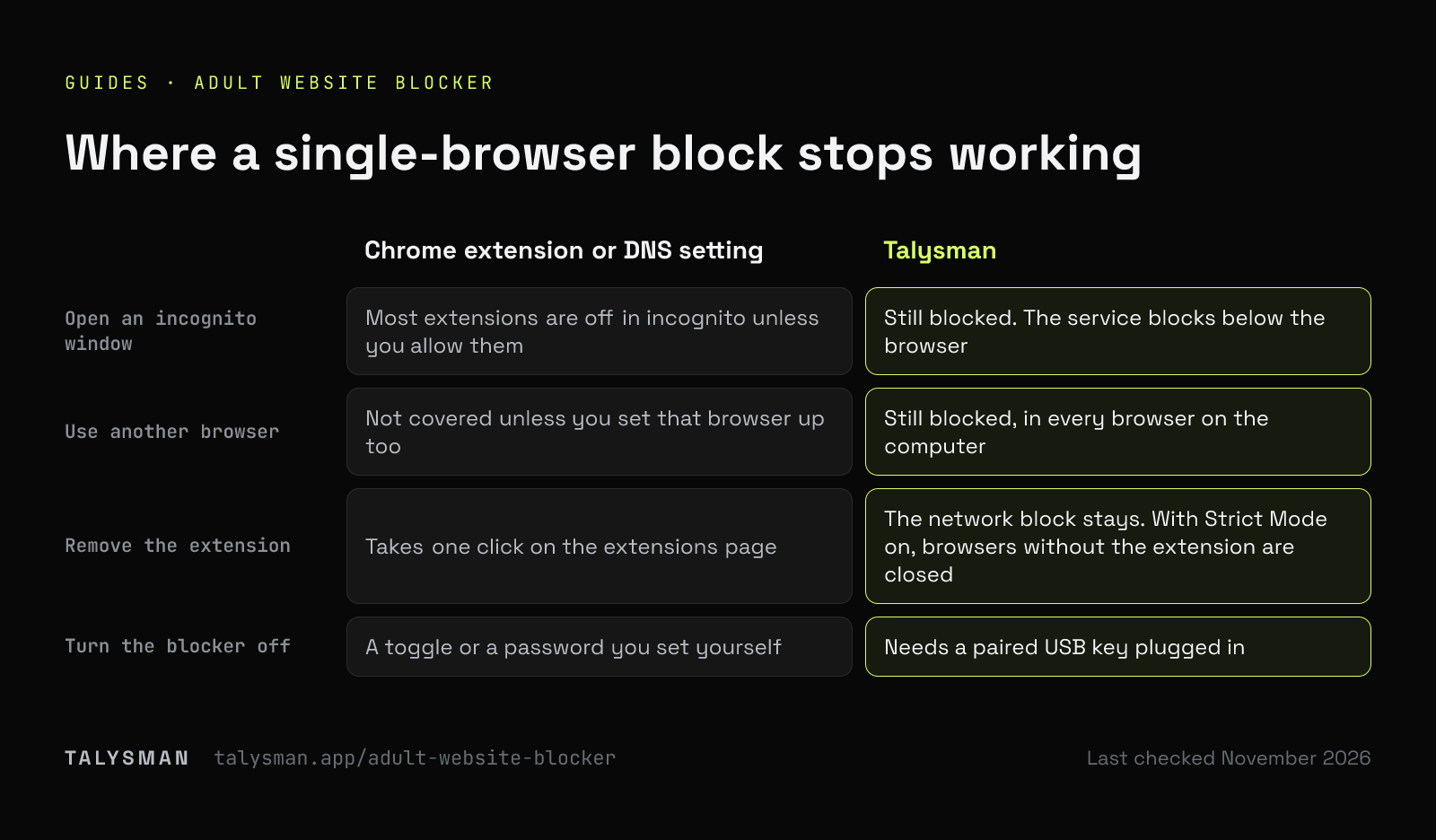
Where a single-browser block stops working
The ways around an adult site blocker, in the order people usually try them.
| What you try | Chrome extension or DNS setting | Talysman |
|---|---|---|
| Open an incognito window | Most extensions are off in incognito unless you allow them | Still blocked. The service blocks below the browser |
| Use another browser | Not covered unless you set that browser up too | Still blocked, in every browser on the computer |
| Remove the extension | Takes one click on the extensions page | The network block stays. With Strict Mode on, browsers without the extension are closed |
| Change the DNS setting back | Takes a few clicks in settings | Doesn't need DNS settings. On Windows, known encrypted-DNS routes are blocked too |
| Turn the blocker off | A toggle or a password you set yourself | Needs a paired USB key plugged in |
| Uninstall it | Takes a few seconds | On Windows and Linux, refused without the key. Not key-gated on Mac |
Some Chrome extensions and DNS services add a password or a delay before you can turn them off. That helps, but if you set the password yourself, you know it.
Free or paid, which do you need?
Avoiding accidents? Use the free settings
If you mostly want explicit results and pop-ups gone, SafeSearch and a family DNS filter are enough. Nothing to install.
Trying to quit? Make the block hard to undo
If you've switched blockers off before, the list isn't the problem. The quick off switch is. That's the part Talysman replaces with a key.
Free plan: 5 sites, same key
The free plan blocks 5 sites you choose, with the key-protected off switch. The 400,000-domain NSFW list is part of Pro, with a 14-day free trial.
The limits
No adult site list is complete, because new domains appear every day. The NSFW list combines several open-source lists and covers the well-known sites, and you can add any site it misses with one entry.
It works on computers only. For a phone, use the free settings in the phone guide. And anyone with admin rights can eventually remove software from their own computer. Talysmandoesn't make that impossible. It makes it slow.
Frequently asked questions
Is there a Chrome extension that blocks adult sites?
Yes, several, and Talysman ships one too. But an extension alone only covers the browser it's installed in, and usually not incognito. Talysman pairs its extension with a service that blocks the same list below the browser.
How do I block adult websites in Chrome on Android?
Use Android's Private DNS setting, which covers Chrome and every other app. The phone guide has the exact steps.
Does it slow down browsing?
No. The list is checked locally against the address being visited, so pages that aren't blocked load as normal.
Can I unblock a site the list gets wrong?
Yes. Add it to your allow list. An allowed domain is excluded from the premade lists.
Last checked
Block it in every browser, not just Chrome
Turn on the NSFW list, pair a USB drive, and keep the drive in another room.
Download freeFree forever, no card. Want schedules and app blocking? Try Pro free for 14 days.